Pixel art for game sprites
Game sprites live on a grid. Pixelizer lets you set that grid, convert a photo or sketch into cells, then draw on the result like a tiny tileset.
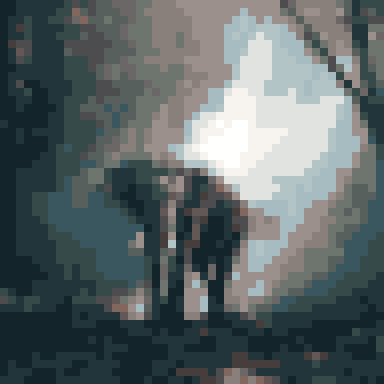
A sprite is a rectangle of cells, not a filtered photograph. Start by setting width and height independently (4–256 cells). Square sheets are convenient; character sprites are often taller than they are wide. Toggle grid lines in the editor when you need to count pixels.
Convert a photo or a sketch, then treat the result as a canvas. Paint, fill, and eraser work on the grid. Duplicate a sketch (including Ctrl+D) to try a walk-cycle frame or a palette swap without losing the last version. Blueprint overlay is there if you need to trace.
Palette and scaleKeep max colors tight so the sprite shares a set with the rest of the sheet. Recolor the extracted palette for team colors or night variants. Dithering is usually the wrong default for gameplay sprites: it crawls when the asset moves.
Export PNG when you need a hard edge and a transparent surround; JPG when you do not. There is no watermark. Free accounts export up to 1080 px on the longest side (integer nearest-neighbor upscale from the grid). Pixel Enthusiast unlocks 4096 px and 8192 px export tiers.
From photo to assetThe wildlife frame above is Octree at 18 colors on 48×48 — a character-shaped silhouette you can still clean by hand. For the convert step itself, start with photo to pixel art. Cloud sync for projects is Pixel Enthusiast; the local gallery is enough to iterate a sprite sheet on a free account (up to ten projects).