Pixelizer
Use case
Photo to Game Boy pixel art
Start with the Game Boy styled look, then tune the grid, edges, and palette before you paint or export.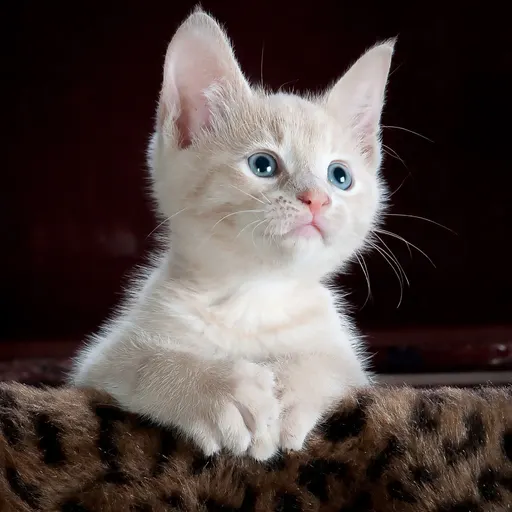 Before
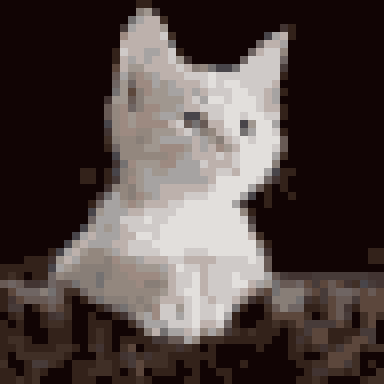 After
AfterExample generated with Pixelizer (warm portrait style, 48×48 grid).
Pick Game Boy or Auto, then adjust max colors and dithering.
Switch Soft or Crisp edges and Despeckle for a cleaner handheld read.
Export PNG or JPG up to your plan limit, with an optional Made with Pixelizer badge.
Open the studioCreate a project in the gallery and run the same pipeline on your photo.